How to View Registered Users
Deepaiges provides a straightforward way to view all users currently registered under an organization. Follow the steps below to access the list.
Pre-requisites
Before proceeding:
- Ensure you have permissions to view the organization’s users.
Steps to View Registered Users
-
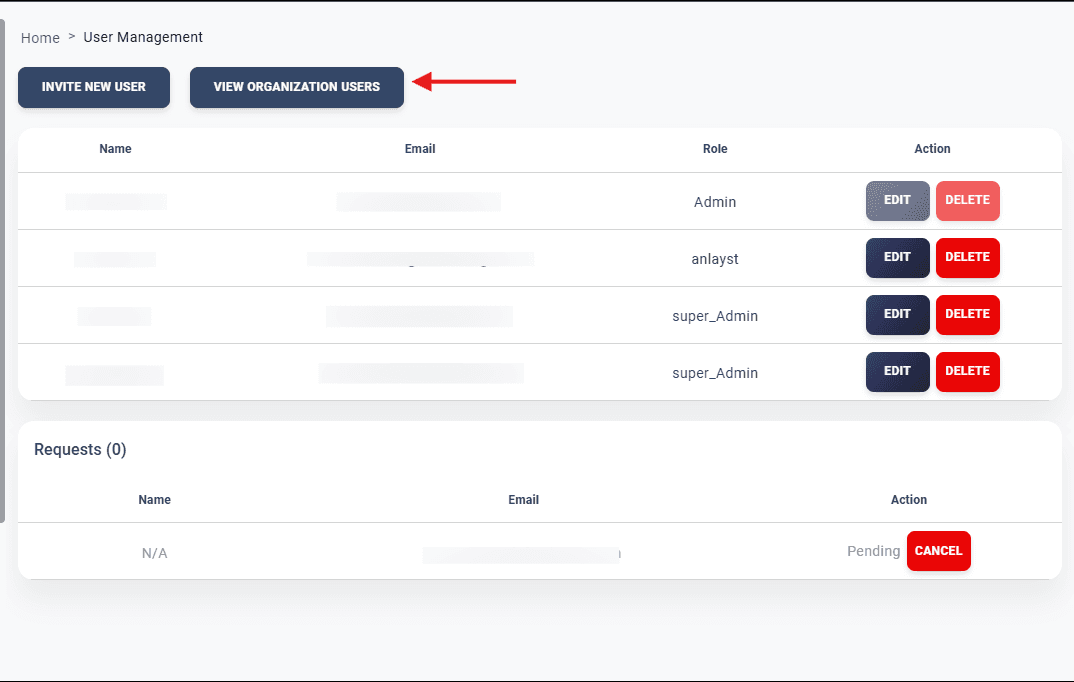
Navigate to Administration → User Management.
-
Select the option View Organization Users.
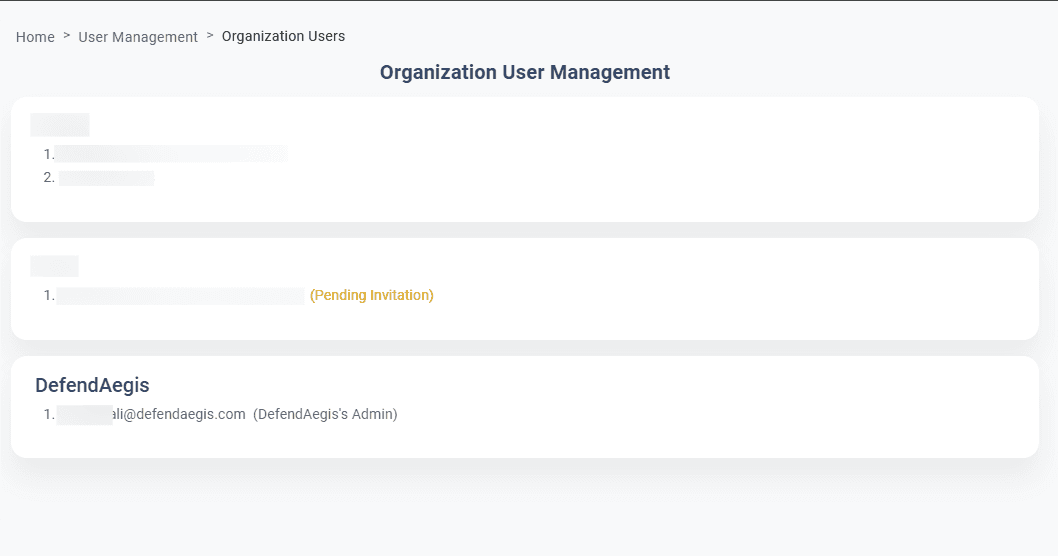
You will be directed to a page displaying all organizations and their associated users. -
Review the list of users for each organization.
The list includes details like:- Name
- Assigned Role
Note: If the list of users is not visible, it might be due to insufficient permissions. Contact your administrator for assistance.